How to Print ROE(s)
This process generates a printable Record Of Employment (ROE) document and a Web ROE file to be uploaded to Service Canada. Once you have run the Print ROEs Process, upload the generated file from K212 HRP to Service Canada.
Use the following steps to Print ROE(s):
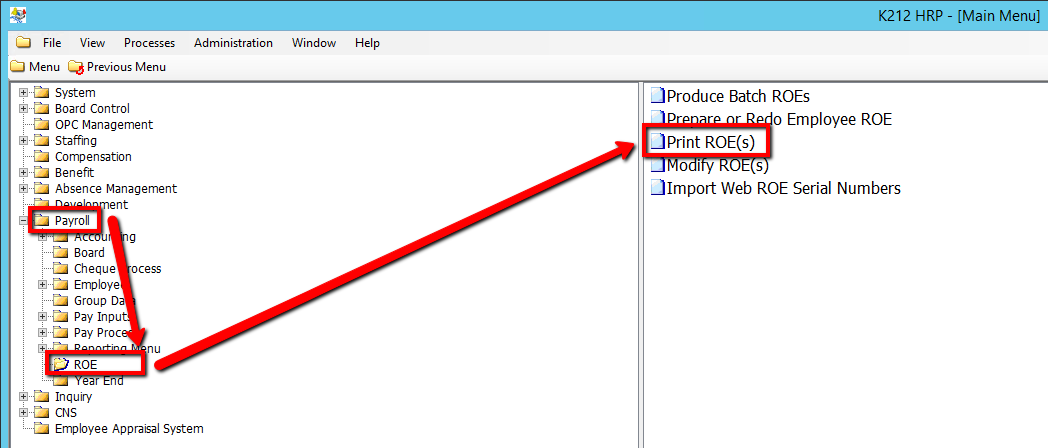
1. Click on Payroll
2. Click on ROE
3. Click on Print ROE(s)
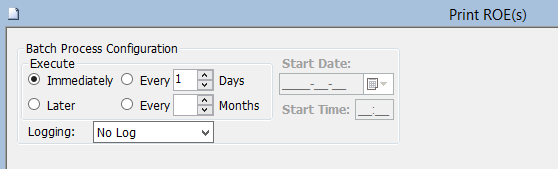
5. Click on the Submit button to print the ROE(s)
.png)