In addition to the ability to print pre-defined reports, a school can choose to export the information.
Choose Accounts, Reports, Reports For Exporting.
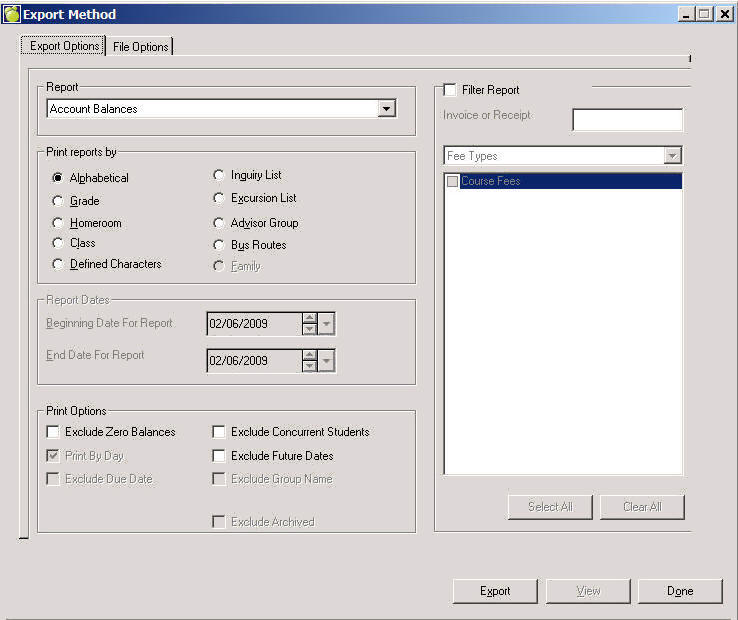
On the Export Options tab, specify the type of report from the Report drop-down list.
Next specify the method by which you want to print the report.
If you have selected a printing method that requires a date selection the Reports Date area will be enabled for you to pick Beginning and End dates.
From the additional Print Options area, make selections by clicking the checkboxes applicable to your report.
Use the Filter checkbox to enable the drop-down list.
On the File Options tab enter or click Browse and specify the file for exporting, and then specify Record and Field Separators.
Click Export when you have finished specifying options. You'll be asked to save the report using options associated with the Print Reports By option that you selected.