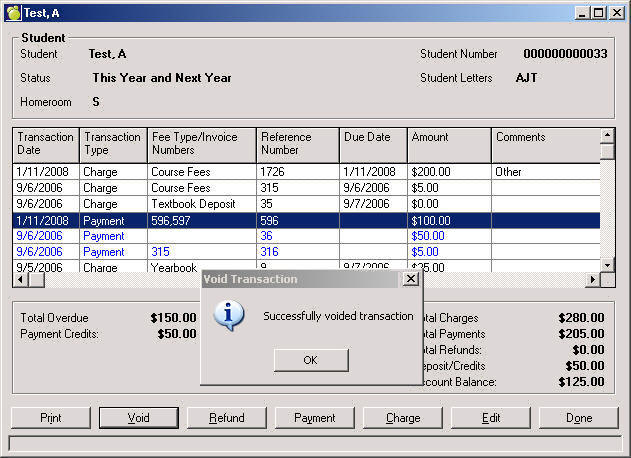
The Void button only appears if a school has turned on their Maplewood Security. If Security is OFF, the Void button will be inactive. Voids can be used to delete payments and refunds only.
Voids will not appear on the student record or on any reports. Although hidden on the Students’ Account Tab, there is an audit trail behind-the-scenes which is included with exports and available for any forensic auditing purposes (transactions).
Select a Payment by clicking one time so it is highlighted.
On the Student Account window click Void.
Click OK and a message saying "Successfully voided transaction" will appear.