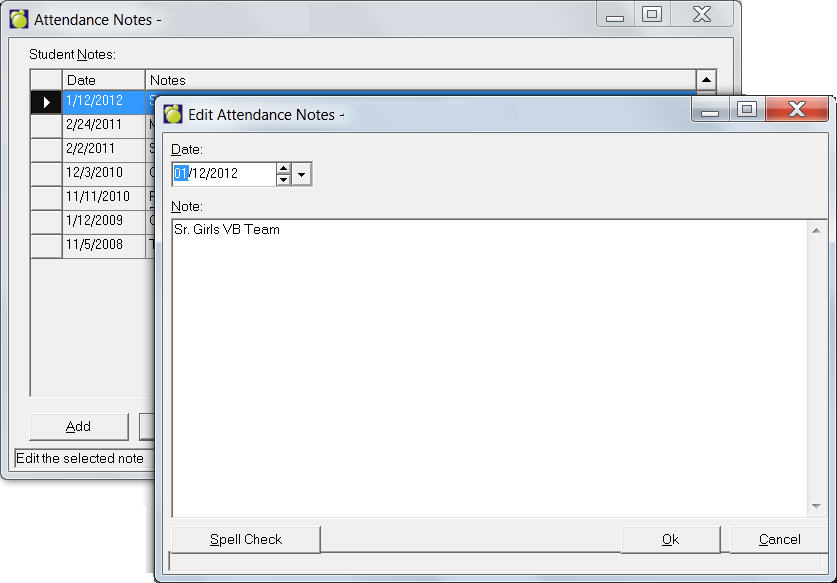
Attendance Notes
There are a number of ways to enter Attendance Notes:
- Attendance, Display/Modify Register, select a student then click the Notes button.
- Attendance, Enter Attendance, Excused Before Homeroom, select a student then click the Notes button.
- Attendance, Enter Attendance, Office (Sign In/Out), select a student then click the Notes button.
- Attendance, Enter Attendance, Edit Today's Attendance, select a student then click the Notes button.
- Student Records, (select a student), click the Attendance tab, then click the Notes button. In the Student Notes there will be a list (if any are already recorded).
Here you can select the note and click Edit to make changes. You can click Add to enter a new note. Select a note and click Delete to remove a note. Below is an example of an editing screen for an Attendance note. Use the Spell Check button to check your work before saving.