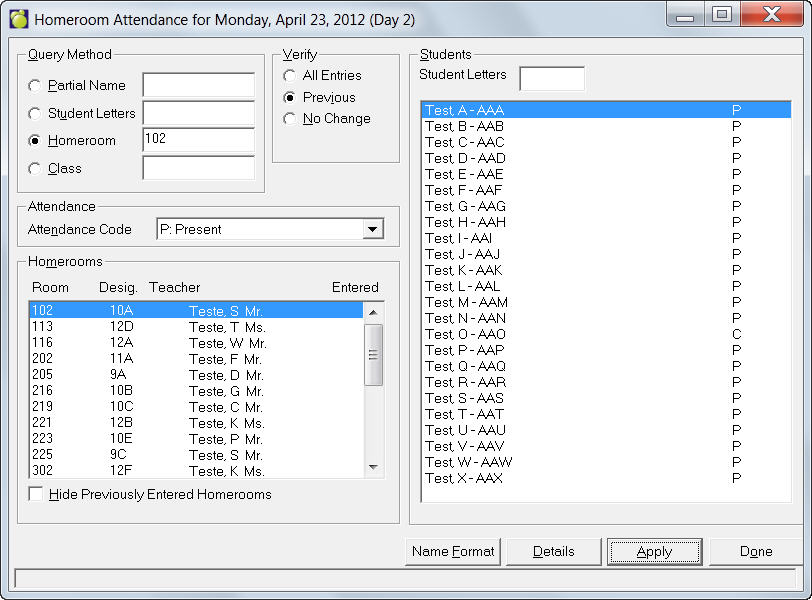
This method of attendance allows the entry of attendance for students who were absent or late from
homeroom, or who are expected to be absent from school at some time during the day.
Homeroom Attendance is entered from information given by the homeroom teachers. You can make lists of
students in each homeroom with a daily grid for recording homeroom attendance for distribution to
teachers. Choose Students, Print Lists, Homeroom Lists.
When you enter attendance in the am, it sets the "entered" column to Yes. If you want to be able to tell if it has been entered for the PM, click the 'Reset Entered' button to remove the 'Yes' that resulted from a teacher taking the AM attendance.
If you have checked the checkbox, Hide Previously Entered Homerooms, the reset homeroom will be included in the updated list.