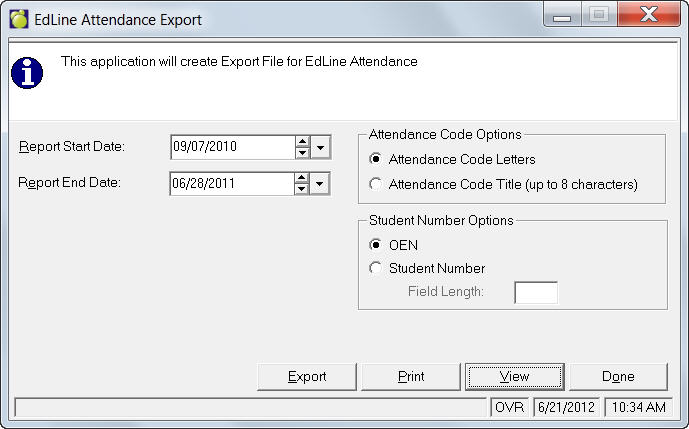
For schools using EdLine Attendance, there is a feature that will export data to a file for import into EdLine. Choose Attendance, EdLine Attendance Export.
Specify a Report Start and End Date. Select Attendance Code Options and Student Number Options. If you have chosen to report by Student Number be sure to enter the Field Length.
If you want to check the report first before exporting, click View and you will have the option to save or view the text file. To export the report click Export and you will have the option to save the text file.