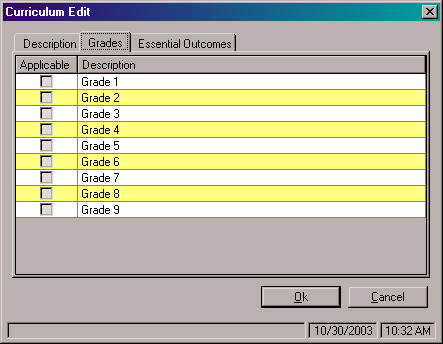
Open an item, click Edit and click the Grades tab. Use the following graphic to see help on editing Grades.
Editing Applicable Grades
To add or remove applicable grades, click the check box. An applicable grade will have a check mark in the box. Only three grades can be applicable at a time.
Editing Descriptions For Grades
Click on the line that you want to edit and enter a new description.