This table is not initially populated from Maplewood. Report notes may be added to include additional text when printing Incident Reports. Each note is associated with a specific Report Type. When that report type is printed, the user may select any of the additional notes to be include on the printout.
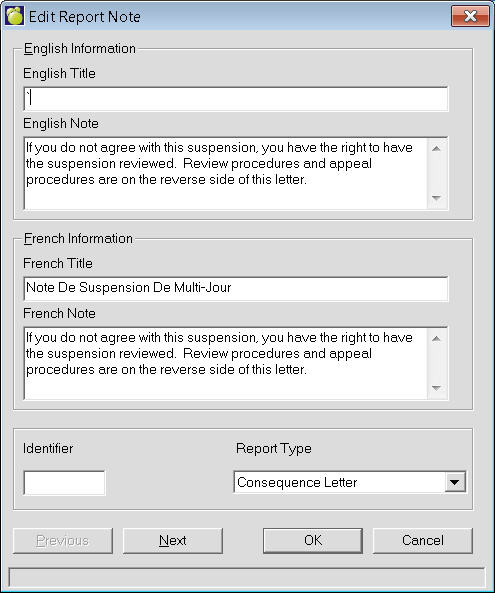
To define a Report Note choose Incidents, Define Report Note. A list of Report Note (if any) will appear. To add a Report Note, click Add. To edit an existing Report Note, select the Report Note and click Edit. This is an example of an editing box. The adding box will look the same but will have no information entered.