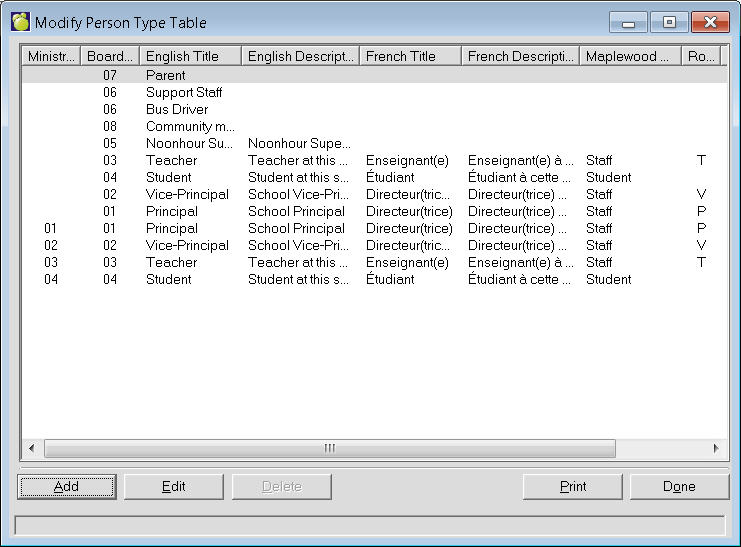
As student incidents are entered, the person reporting the incident may be specified. When a staff member or student reports an incident, this table is used. For most schools, this table can be left as defaulted. The setup of this table is important for the tally of “report by” teacher and Principal statistics in the Ontario October Board Report.
All schools can add to this list of person types. If the Person type is a staff member (e.g. entered in the Maplewood staff records), you need to specify the Role used in staff records (e.g. Librarian might have the role L).
The Role (a letter from A to Z) should agree with the role used in Maplewood staff records (for example, if the Principal has the role D (Directeur), change the role from P to D).
To define a Person Type choose Incidents, Define Person Type. A list of Person Types (if any) will appear. To add a Person Type, click Add. To edit an existing Person Type, select the Person Type and click Edit. This is an example of an editing box. The adding box will look the same but will have no information entered.