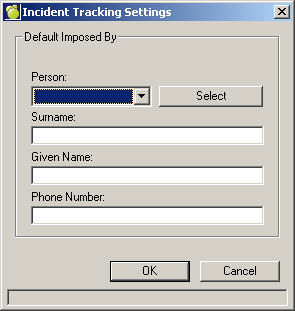
To define the default Imposed By staff member, choose Incidents, Define Settings. Use the preset titles in the drop-down box, or click Select to choose from the complete list of staff. Enter Surname, Given Name and Phone Number as appropriate below.
Click Edit to access a text entry area. Within the edit form, the text can be changed, and different fields can be added and modified. Choose File, New to add a new letter, or open an existing one by choosing File, Open.
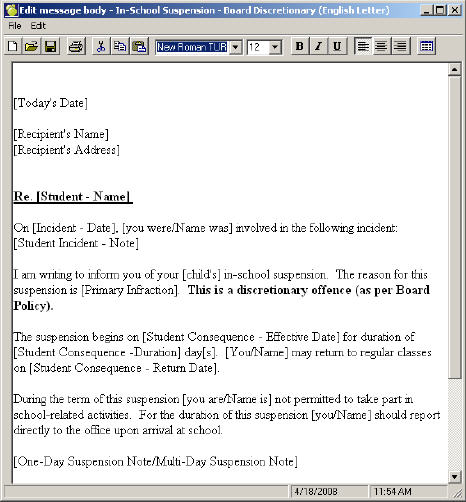
 To add fields, click the Merge button. From the tree that appears, make your selection(s) and click OK. Selecting the Merge Fields button will bring up a list of fields that can be automatically populated and sized.
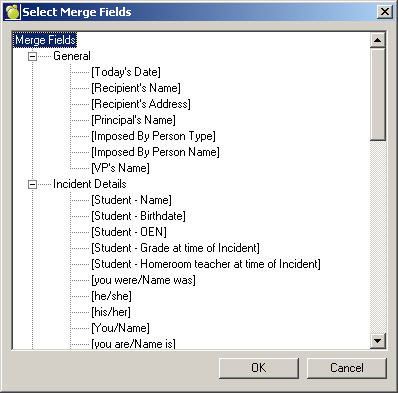
This functionality has been added to allow boards and schools flexibility to modify what appears in the consequence letters, as well allowing for the formatting of the letter to fit on board or school letterhead.