Choose Marks, Conventional Marks, Define List of Comments.
First you will see a List of Comments (if any are defined).
To add, click Add. To edit, select a comment and click Edit. You will see a box like this one:
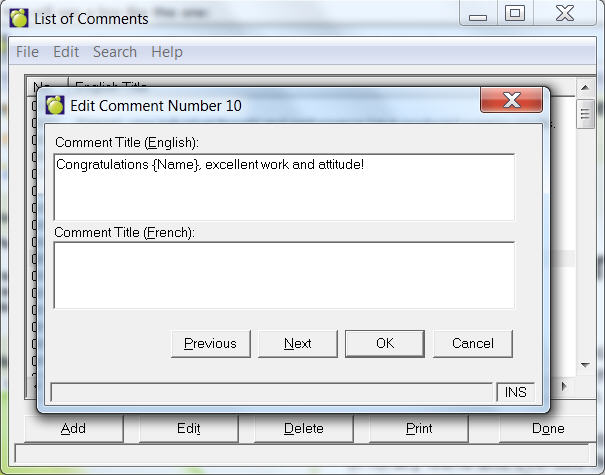
You can define comments in English and French for entering comments in the Administration System.
Choose Marks, Conventional Marks, Define List of Comments.
First you will see a List of Comments (if any are defined).
To add, click Add. To edit, select a comment and click Edit. You will see a box like this one:
Click OK when you have finished to return to the List of Comments.
Click Done to return to the main Administration System.