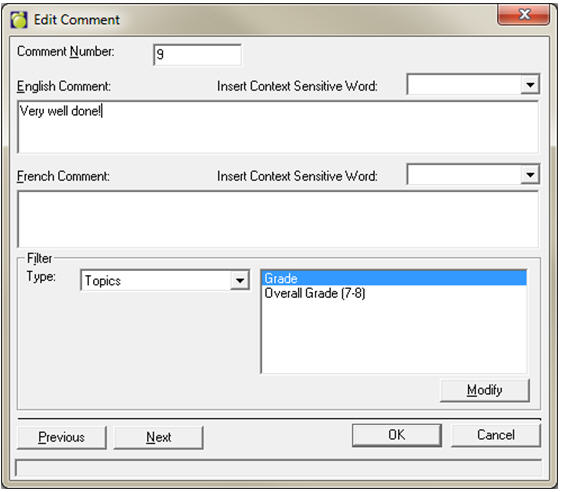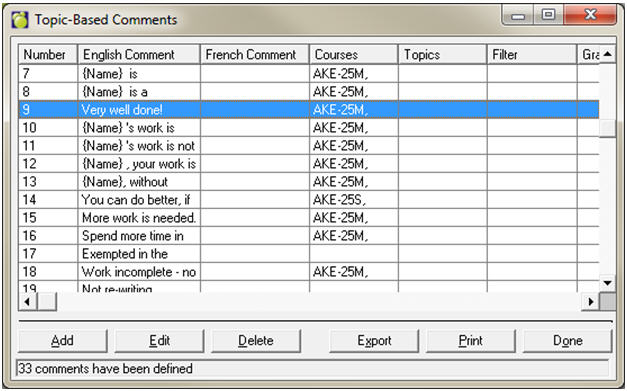
Choose Marks, Topic-Based Marks, Define List of Comments. Use Add, Edit and Delete to set up the school list of comments.
Note: Teachers have the option to set up their own comments with their own filters in Maplewood connectEd.
To define Filters, select the filter type from the dropdown list and click the Modify button. Filters can be defined for Courses, Topics, Comment Type (Area of Improvement, Next Step, Strength), Grade, Level, Department, Term, and Category (Application, Communication, Knowledge and Understanding, Thinking and Inquiry).