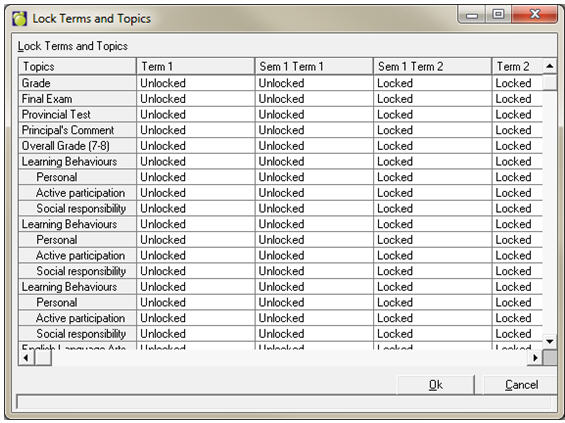
Choose Marks, Topic Based Marks, Lock Terms & Topics Mark. Entry screens in Maplewood connectEd default to the first chronological term. To avoid confusion and to ensure that teachers define markbooks and enter marks & comments in the correct term, always make sure only one term per class is unlocked at any given time. In the following screen shot, two terms are unlocked but since these two terms will not be used by the same class (Term 1 is elementary, Sem 1 Term 1 is secondary), this is acceptable.
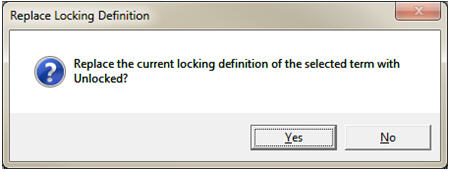
Always lock the whole term – locking or unlocking a single term/topic intersection should only be done as a temporary measure. To lock/unlock the whole term, click on the term column heading and select either Unlock or Lock. You will be asked to verify that you want to replace the current locking definition with the selection.