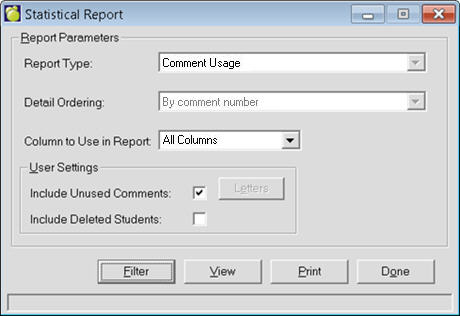
This option prints lists of statistical information for each course. Choose Marks, Print Statistical Analysis.
For each course, the printout will show the course code and title, number of credits attempted and successfully completed, the percentage of credits successfully completed, the average mark/grade and the median mark. In addition the listing will show a scale of letter grades with their respective number values as designated by the school, and a breakdown of the numbers of achievements in each grade.
The printout may be produced on 14" X 11" paper with normal print or on regular 8 1/2" X 11" paper using condensed print.
You have to set report parameters through use of the prompt screen which asks for the desired marking/grading period and the choice of semesters. Prompts also lead into the setting of the numerical values for the letter grades, and the yes or no choice of having the letter grades in the analysis.
You can print the following information:
All Courses Alphabetically by Code: This analysis of all courses is printed alphabetically by course code. A summary is included.
Courses by Year and Level: Each year is examined separately in this list with the sequence governed by the achievement level; i.e. "B" (basic) courses, then "G" (general) courses and then "A" (advanced) courses.
Courses by Department: As in all the other statistical printouts this is a complete analysis of marks, in this instance set down in departments alphabetically by course code. It includes a summary for each department.
Courses by Department and Year: This analysis prints the statistics for a department in groupings composed of each year, complete with a summary by year and department.