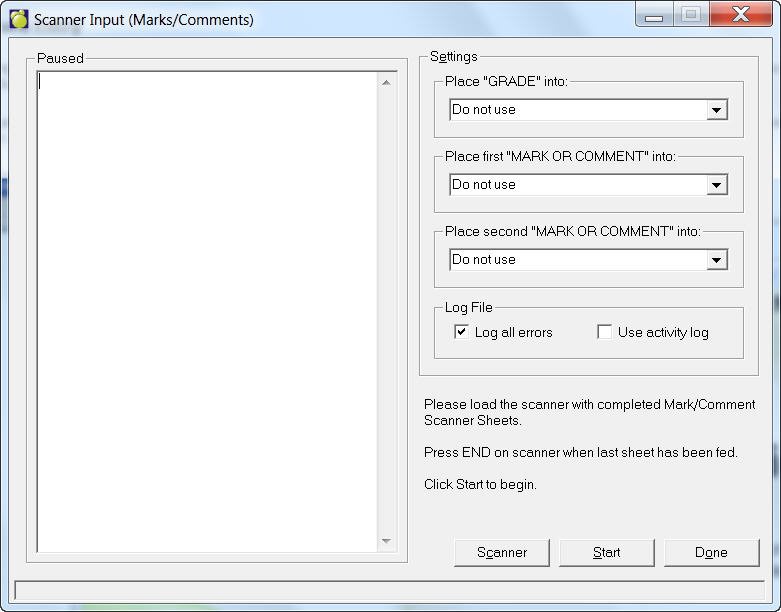
If you are using a scanner to record marks and comments, choose Marks, Conventional Marks, Enter Marks By Scanner. If you haven't selected a scanner, a setup box will appear. Select a scanner, COM port and enter settings for the COM port. Click OK to store settings.
After your Scanner is configured, an entry box will appear. First, select the grade and mark or commenting columns. Load the completed scanner sheets and click Start. When the last scanner sheet has been fed through, click End.