The wizard can be run to assign Terms and Topics to classes and homerooms en masse.
Choose Marks, Topic Based Marks, Wizard If you are in a jurisdiction that uses a provincially-defined report card, please refer to jurisdictional documentation for information on running the Wizard.
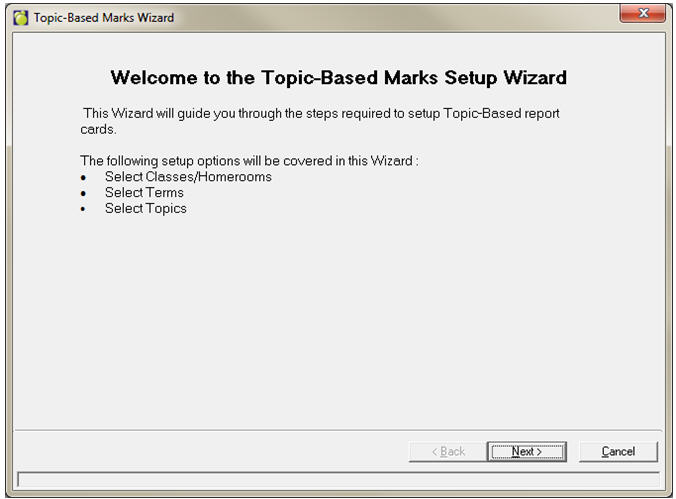
If you select the advanced option, the Wizard will first run a correlate database, then will provide with a welcome screen. Click Next:
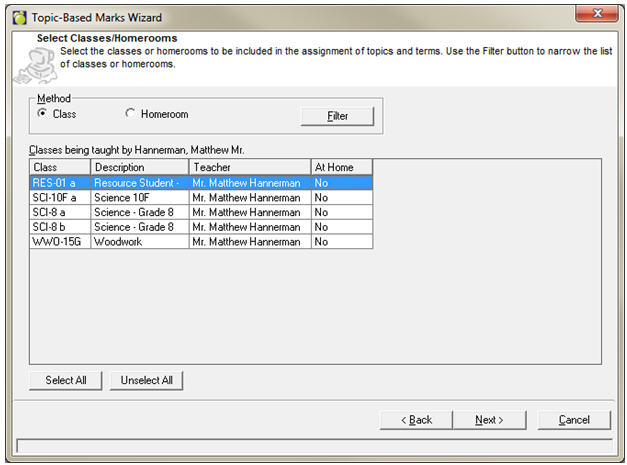
Click the Filter button to narrow down the classes to which you wish to assign terms and topics. Click Next.
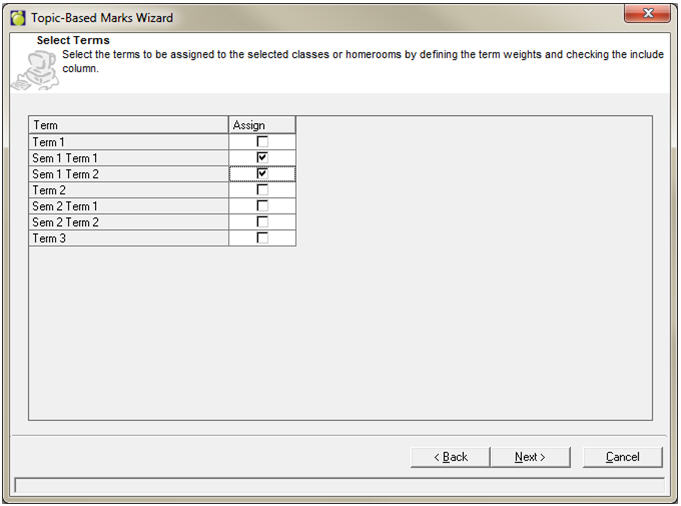
Select the Terms you wish to assign. Click Next.
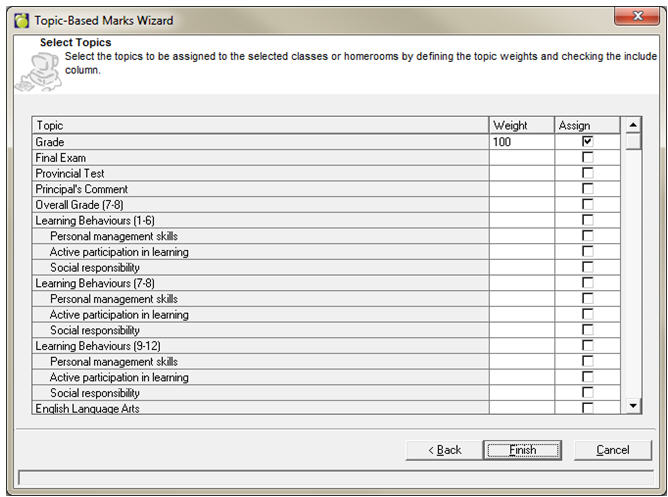
Select the Topics you wish to assign and enter a weight for each topic. Click Next.