Maplewood will be providing a predefined table of categories, but again, categories can also be user defined. Categories are used to define what types of courses are compulsory. For example, Mathematics is defined as a category, so all math credits would be assigned this category in the code file, in order for these courses to be counted as compulsory mathematics credits.
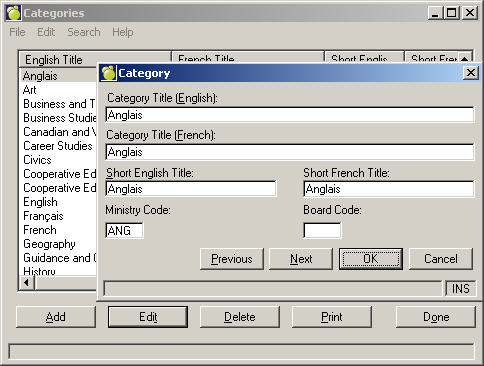
To define categories for your school, choose Marks, Define Categories. All the categories set up for your school will appear. When you edit and add the categories the form will look like this:
Add the information to the category record ensuring that the ministry code field is filled in with a unique code. It is necessary to have a unique ministry code for each category so that the correct information will appear on the student record history tab.