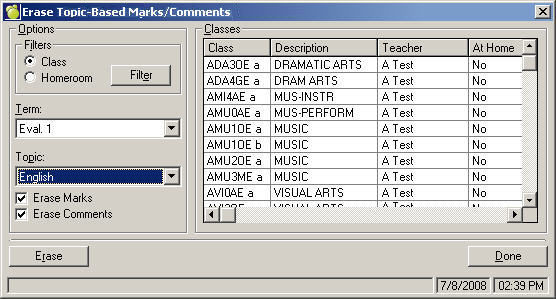
To erase Topic-Based Marks, choose Marks, Topic-Based Marks, Erase Topic-Based Marks.
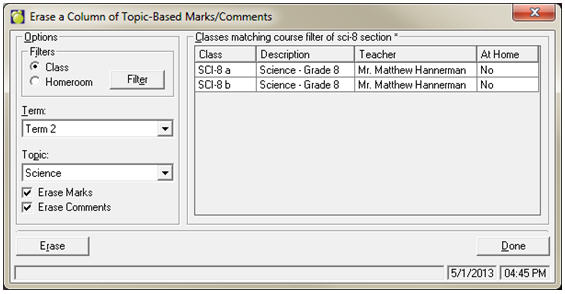
Note: To erase columns, use the Set Column To Value frame and keep the defaults of N for marks and 0 for comments.
This removes previous marks and inserts flags where marks must be entered in preparation for entering new marks. For each column, files must be cleared before you can enter marks. This process