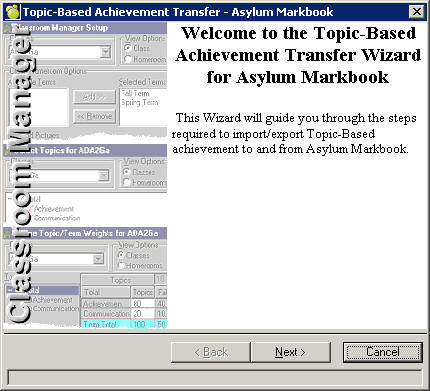
To transfer information from Asylum to Maplewood, choose Marks, Topic Based Marks, Data Transfer, Asylum Markbook. Click Next on the first Wizard screen.
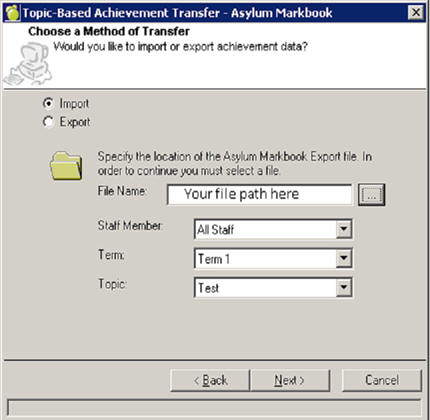
You must first export information from Asylum to a file in order to import into Maplewood. Type the proper path to the file into File Name box or click “…? to browse to the file path and select the proper Staff Member, Term, and Topic from the drop down menus. Click next
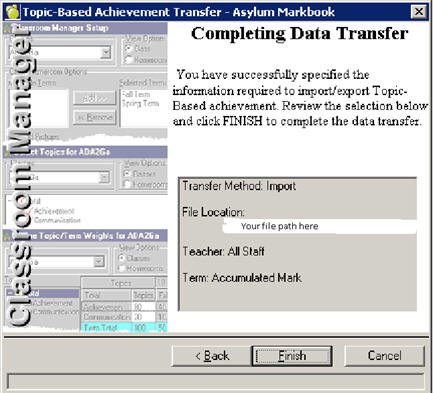
Once you have the correct File Name, Staff Member, Term, and Topic put into the Wizard click Finish to finish the data transfer.