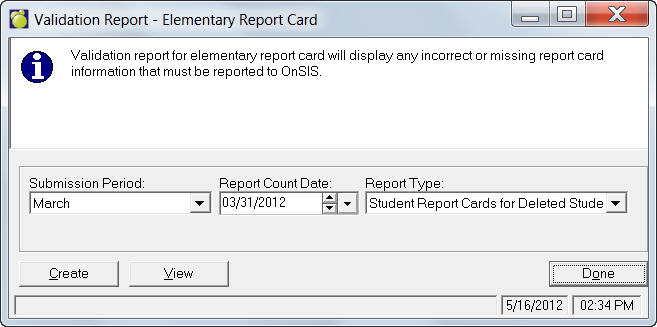
Maplewood has provided a handy Print Manager to help create a validation report for the Ontario Provincial Report Card. This feature will display any incorrect or missing report card information that must be reported to OnSIS, and will give errors when submitting to OnSIS.
Choose Marks, Print Report Cards, Ontario Provincial Report Cards (Grades 1-8) - Validation Report. You will see this screen:
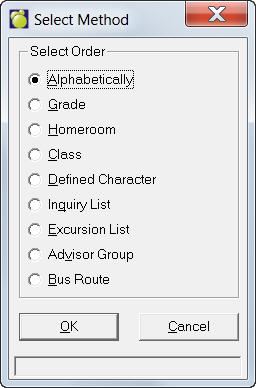
Select a Submission Period, Report Count Date, and Report Type, then click Create. You'll be asked to select a print order:
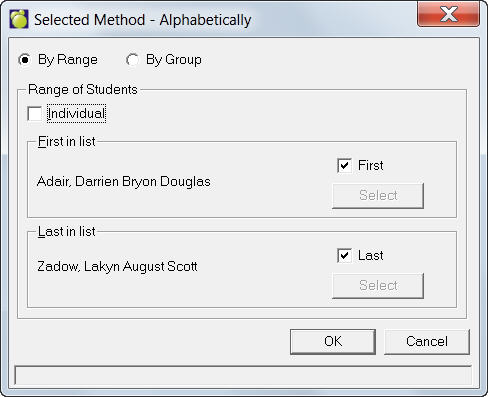
After selecting a printer order, select the students to print:
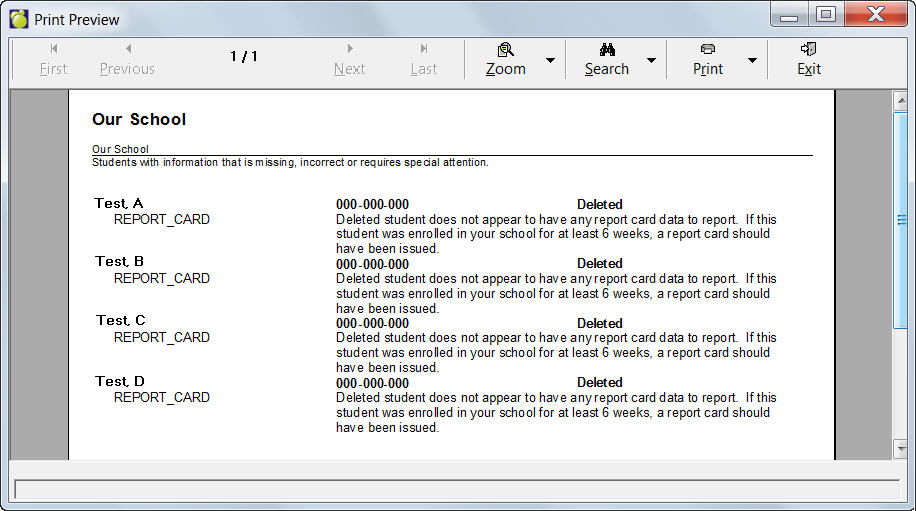
If there is anything to report, you'll see a print out similar to this one.
Previous reports can be opened and viewed by clicking the View button and opening a report (XML document) that you have created.