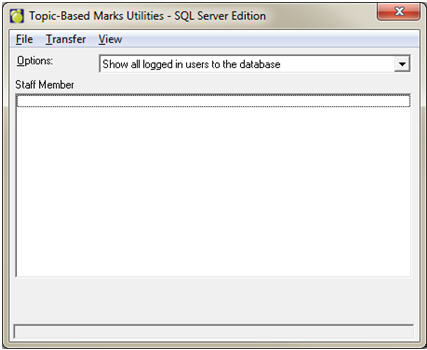
Many utilities exist to resolve issues that may appear in the topic-based marks database. Choose File, Maintenance, Topic Based Marks, Utilities
File, Transfer Database: Use this utility to move a SQL topic-based marks database to a different server.
File, Maintenance, Purge, Inactive Classes: If a class has been removed from the classes file but remains (empty and with a status of inactive) in the Topic Based Marks database, this feature will remove that inactive class. This is simply a clean-up procedure.
File, Maintenance, Purge, Inactive Teachers: If a staff member has been removed from the administration system but remains in the Topic Based Marks database, this feature will remove that inactive teacher. This is simply a clean-up procedure.
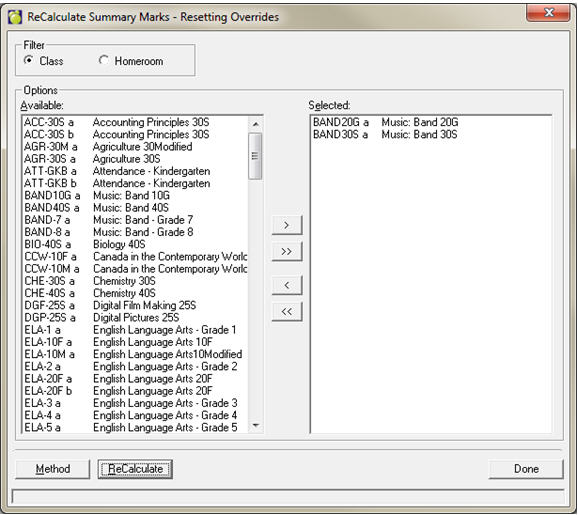
File, Maintenance, Recalculate Marks. You will see these additional options:
Accumulated Mark Only: Takes the top-level term/topic intersection marks and recalculates the accumulated mark.
Based On Summary: Takes all term/topic intersection marks and recalculates the top-level term/topic marks as well as the accumulated mark.
Based On Markbook: Takes all item marks and calculates the category marks, term/topic intersection marks and the accumulated mark.
Erasing Overrides: Select this if you are sure the teachers have not used overrides, or if you want to overwrite them if they HAVE used overrides.
Keeping Overrides: Select this if you wish to keep any overrides that have been entered.
Once you have chosen the appropriate menu item, you will be able to select the class/homeroom for which to recalculate marks. Double-click or use the arrow button in the middle of the screen to move selected classes over to the right-hand side. Click Recalculate.
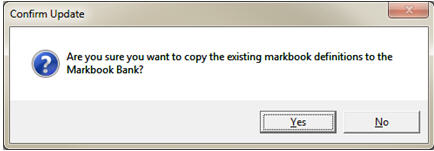
File, Maintenance, Update Markbook Bank: This utility copies all existing markbook definitions into the markbook bank. Use this utility only if a markbook bank does not yet exist. You will be asked if you are sure you want to update the markbook bank:
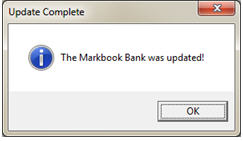
A progress bar will appear, followed by a message indicating it has finished.
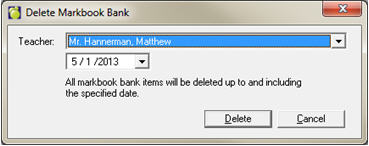
File, Maintenance, Delete Selected Markbook Banks: This utility will remove all items & categories from the markbook bank up to and including the selected date. You may choose one teacher or all.
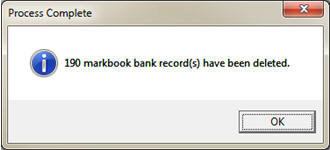
A message will appear indicating that the process has finished.
Transfer, Student: This utility transfers student achievement from one class to another. The first class must be dropped before this utility can be run. Also, if markbooks need to be transferred along with the student, then the two markbooks of the two classes need to match exactly. This may mean that you need to select additional terms for the destination class temporarily (to be removed right after the transfer is done). Please contact Maplewood support when using this utility.
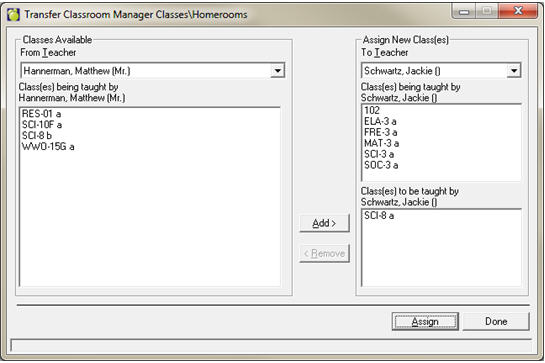
Transfer, Class/Homeroom: This utility changes the teacher in the classes file and updates the Topic-Based Marks database without the need for a correlate database.
Transfer, Topics: This utility transfers marks from one topic to another (all terms), either in the same class or a different class, for students who exist in both classes. This can be used if marks have been entered into the wrong topic.
Transfer, Terms: This utility transfers marks from one term to another (all topics), either in the same class or a different class, for students who exist in both classes. This can be used if marks have been entered into the wrong term.