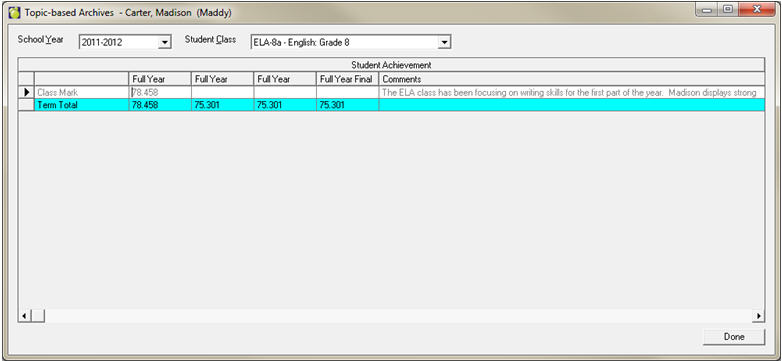
If an archive database has been set up, users can view these archives by choosing Marks, Topic Based Marks, View Archives.
Enter the student’s name. Available school years will be presented in the dropdown box on the left.
Available classes for the selected student will appear in the dropdown box on the right.
Similar functionality is available through Maplewood connectEd under the Student Records – Achievement – Archive Achievement area.