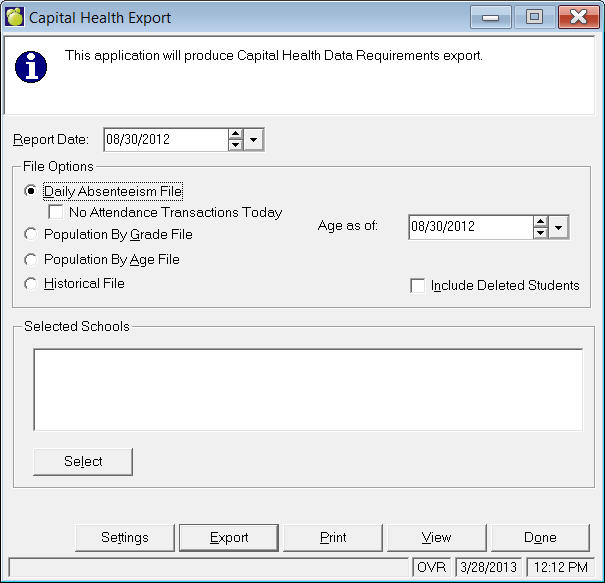
Name format: YYYYMMDDdailyattend.csv where YYYYMMDD represents report date.
File Location: ...Central\Export\CpHealth
Note: If no absentee data exists for all schools for the selected report day, one line of text will appear in the file: "There were no attendance transactions today."
Fields exported: student identifier, age, grade, sex, student postal code, school name, school postal code, absence period (A for morning, P for afternoon), absence reason, absence date
Age is calculated as of the date box provided, which defaults to the first day of school.
Note: the student identifier is unique for Capital Health purposes and it is created using th last 6 digits of the student’s ASN combined with the student’s Date of Birth. Eg. ASN 924578923 DOB 05/08/86 Unique identifier 578923050886 This ensures that the same identifier will be attached to the student in any school within the Division but it is not possible for another agency to track the number back to the student.
To generate a file for a non-school day, select a date outside the school (or Central Office) calendar then check the "No Attendance Transactions Today" box.