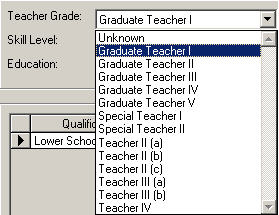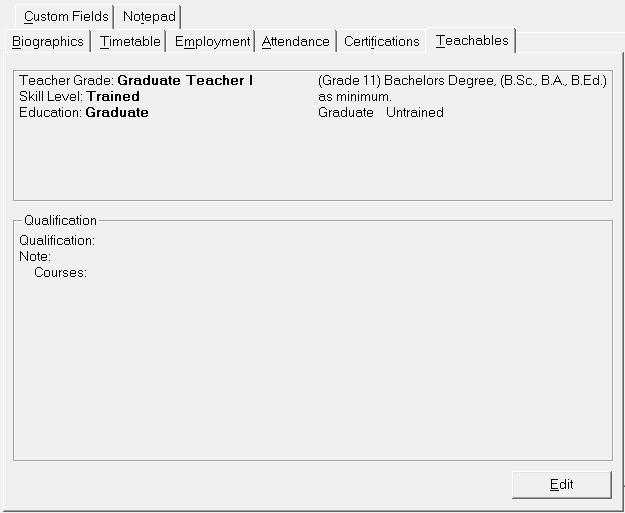
The Teachables tab should be edited for each teaching staff to indicate the teacher’s Teacher Grade, and whether they are Trained/Untrained and if the education level is Graduate or Non-Graduate. Choose Staff, Staff Records, select a staff member and click the Certification tab to see this information box.
The Teachables tab uses information set up in the following tables: Staff, Custom Fields/Tables, Teaching Status
Staff, Custom Fields/Tables, Teacher Grade
Staff, Custom Fields/Tables, Qualification Type
Note: Once a certificate is assigned to a staff, the table definition will automatically determine the certificate type shown on the tab:
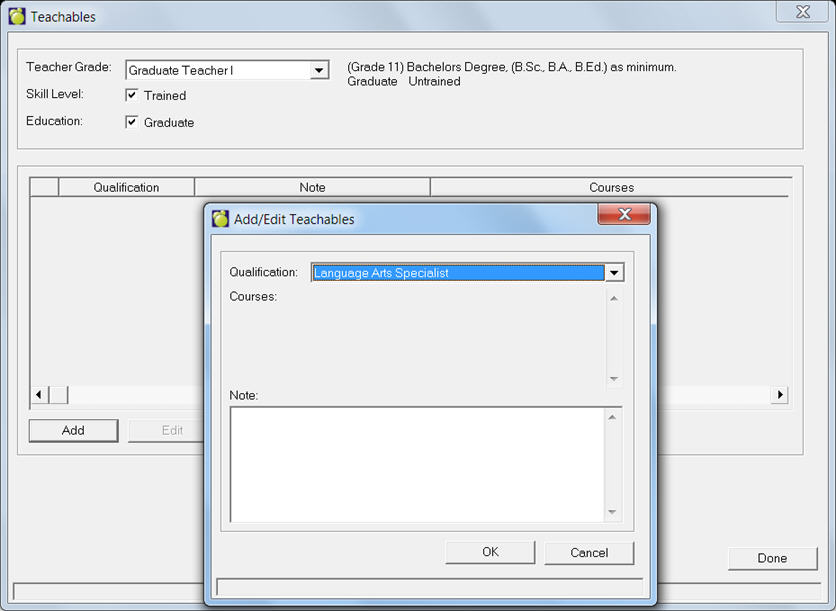
You will see an editing box for Teachables when you click Edit. Any qualifications will be displayed. You can add by clicking Add or edit by selecting the qualification and clicking Edit.