Staff Biographics Tab
Choose Staff Records, (select a staff member), click the Biographics tab.
Note: Caribbean Community and Common Market users will see an Attendance tab.
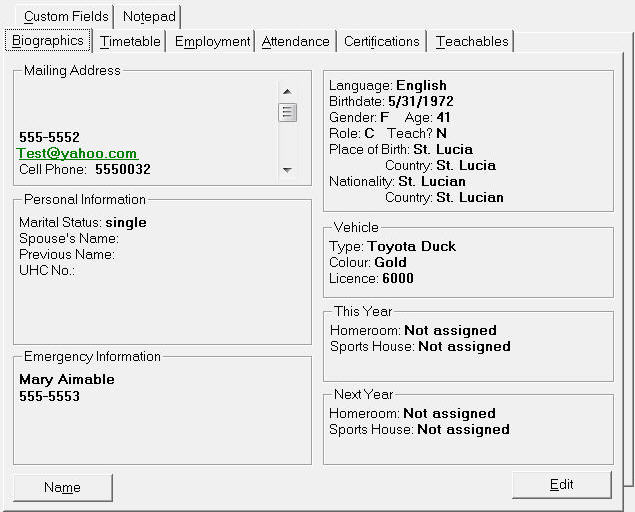
Caribbean Community and Common Market NIC and UHC numbers are specific to St. Lucia. The Biographics tab includes the Sports House if the selected teacher is assigned to a Sports House.
Name
-
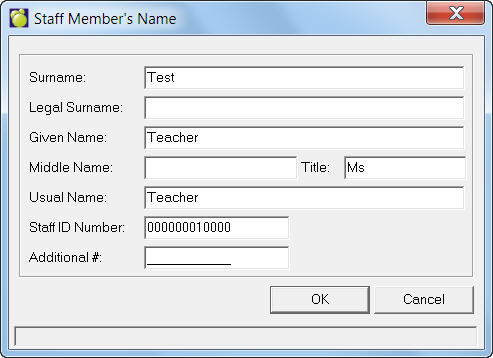
Name - Choose the Personal, Name menu option, or click Name on the Biographics tab to edit a staff member's Surname, Legal, Given, Middle and Usual Name.
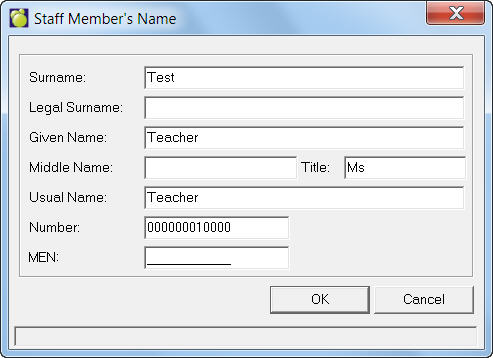
Caribbean Community and Common Market users will see this editing box:
Edit
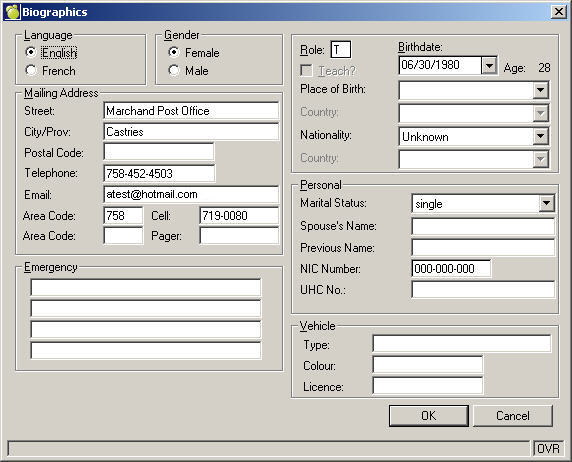
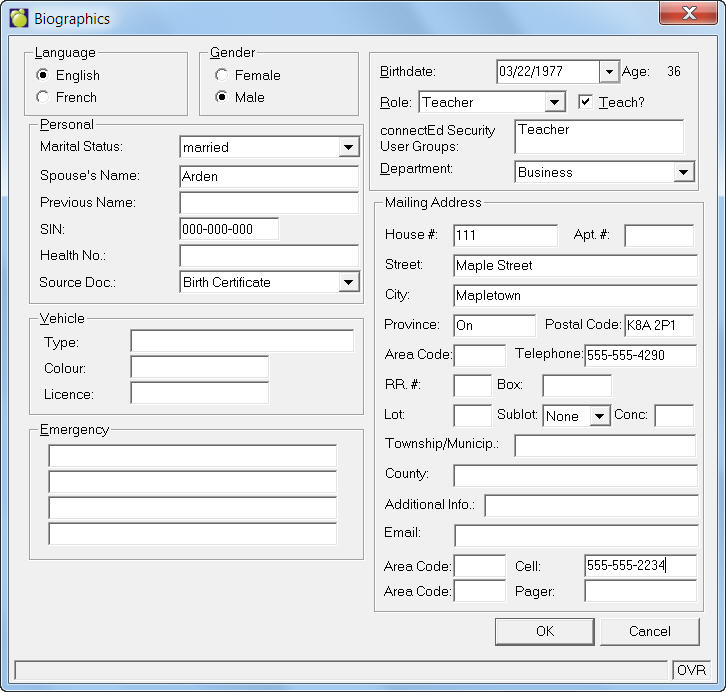
To edit Biographics, click the Edit button.
By default, when you add a staff member s/he is assigned a role of T (for Teacher). With incident tracking, there is a location for Roles in the Table of Person Type. It is now recommended that schools use the following convention, which will best optimize the Report By, and Imposed By fields in Incident Tracking that look for the specific letters.
The Role field should use P for the Principal, V for the Vice-Principal, and T for Teachers. The “Teach?” box must be checked is a staff member is to be assigned to a homeroom or class.
Caribbean Community and Common Market users will see this editing box: