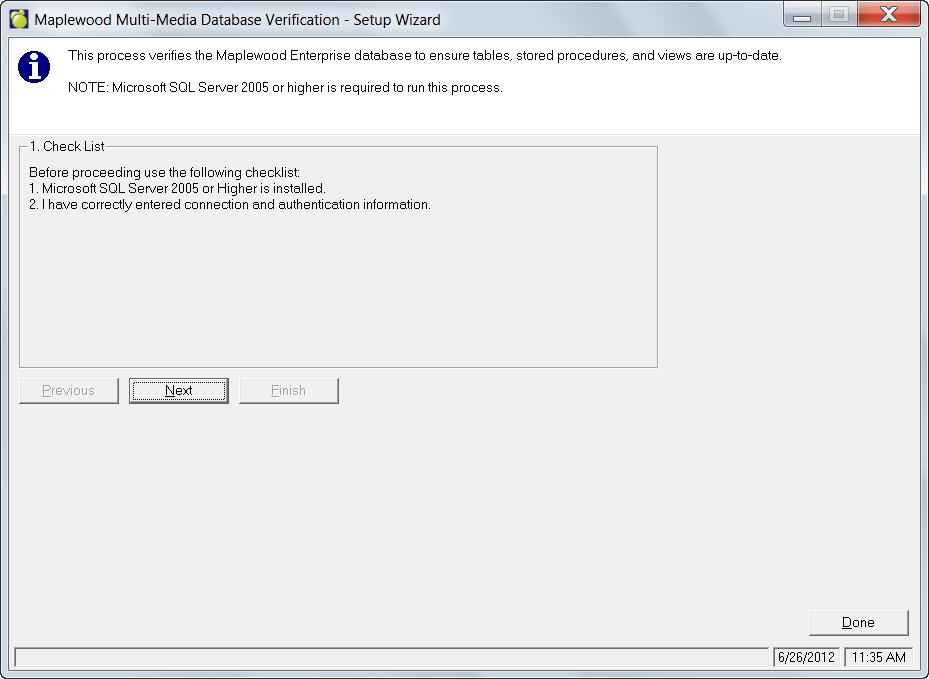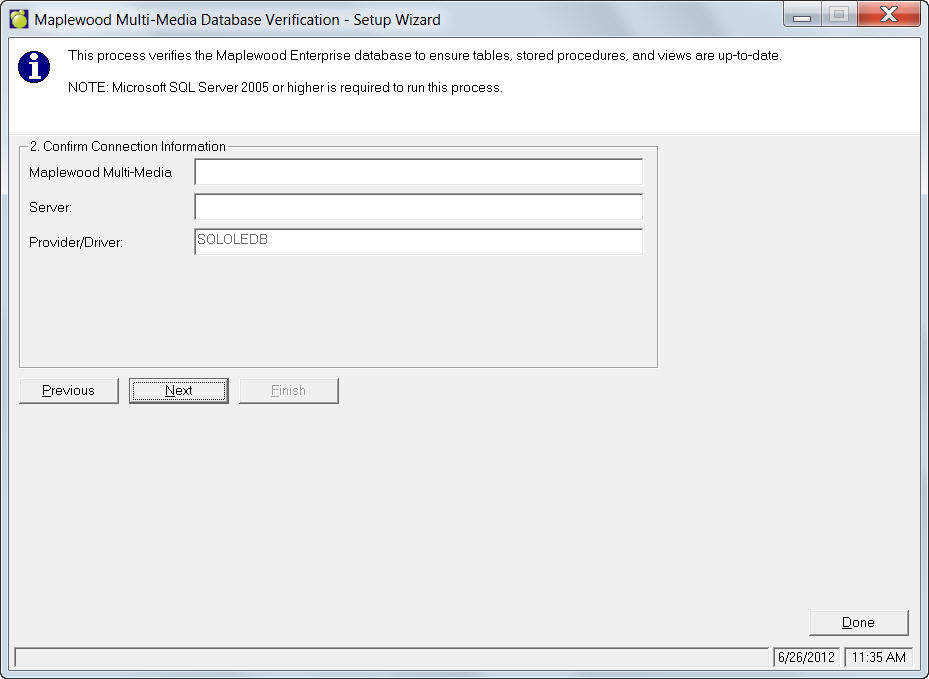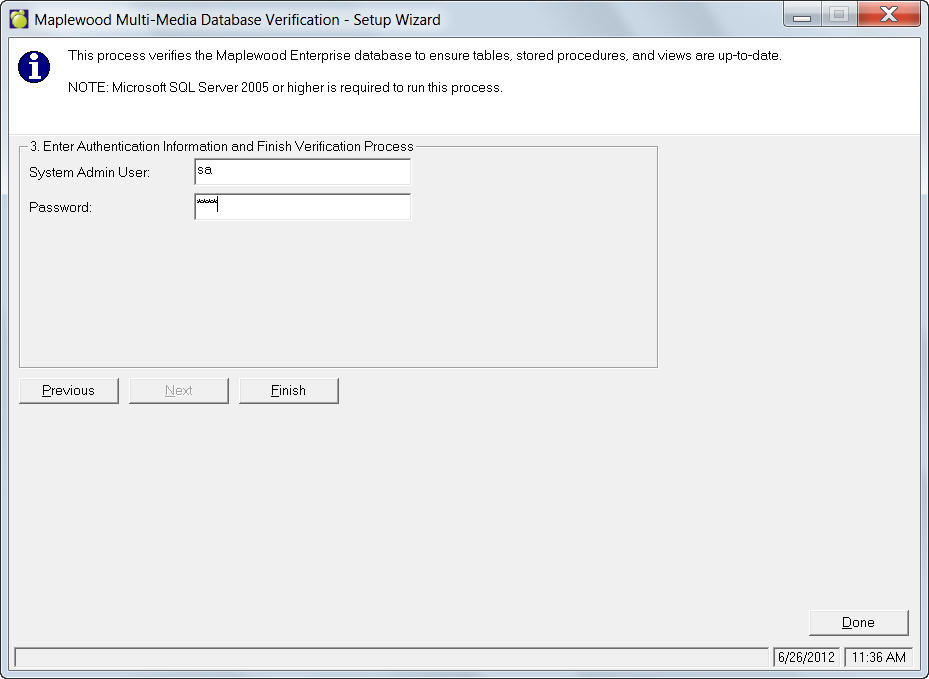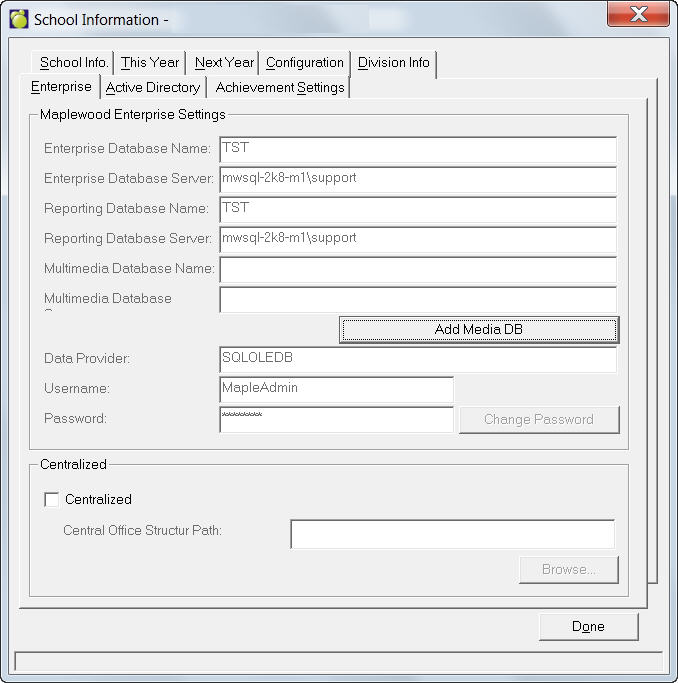
Enter your school's Maplewood Enterprise Settings by using the Add Media DB Wizard. Once the Wizard has been completed and your Media Database set up, the Multimedia Tab will be visible as a tab in Student Records.
If your database is centralized, click the Centralized checkbox and enter a Central Office Structure path.
Adding a Media Database Using the Setup Wizard