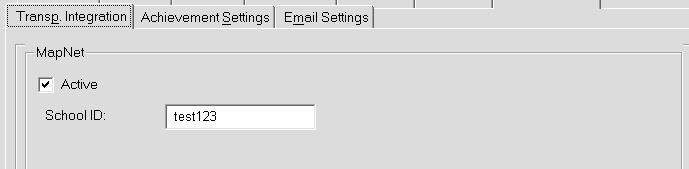
The Transp. Integration tab (Transportation Integration) is available to all users. Setup for Transportation Integration is done from the Central Office, but a school can view their settings from the school level.
From the Central Office, when you select the tab, you can chose between Bus Planner, and Mapnet for Integration. Once selected, the appropriate fields for setting up your integration partner information is available at the school level. The example shown below would mean that MapNet is set up under the Central Office for this school. See the Central Office manual for more information.