| URL: | ftp.maplewood.com |
| User: | customer |
| Password: | customer |
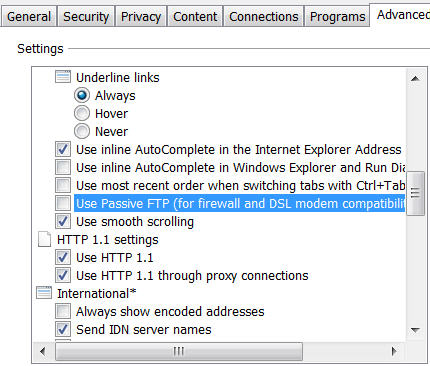
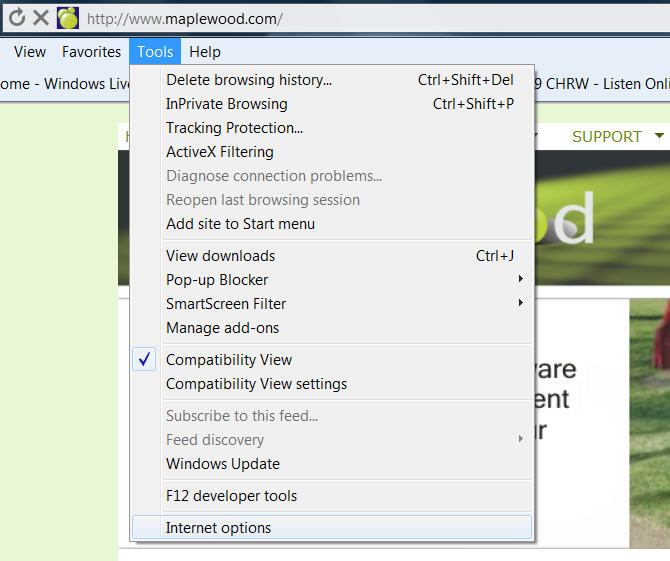
Please do not use PASV Connections
If you are trying to access our FTP site via Internet Explorer, the URL is:
ftp://customer:customer@ftp.maplewood.com
If this does not resolve your issue, please contact your system administrator to ensure that Port 21 is not blocked by a firewall.
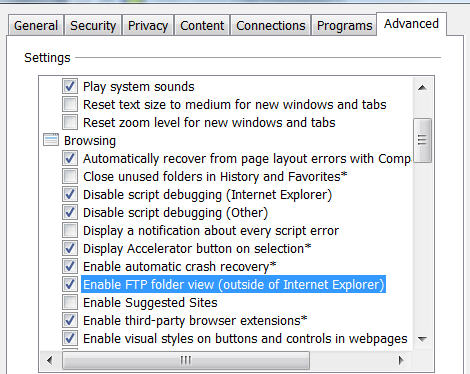
If you are still unable to connect or successfully transfer files, please contact Maplewood Customer Support at 800.265.3482.