********** This feature is only available for Ontario schools. ***********
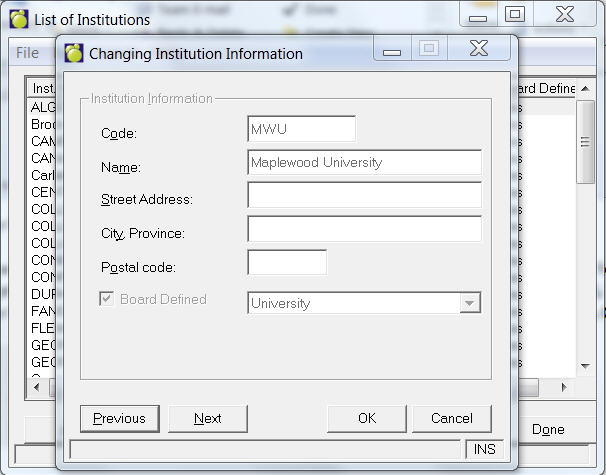
Choose File, Setup, College & University Institutions to access a List of Institutions box. From here you can add, delete or edit an institution's name, number, street address and postal code.
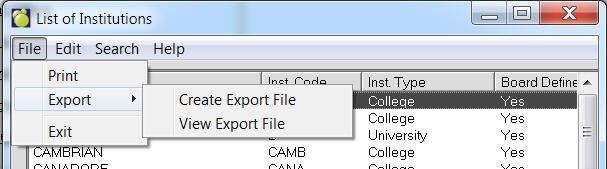
Post Secondary Institutions can now be exported to a file. To do this, use the menu at the top to select File, Export, Save. Once the file is created, it may be viewed by selecting File, Export, File Export View. The file is in comma delimited format (csv) and includes headers. For hosting customers, if you want to use the file in Excel (as an example), use the View option to find the file and then copy and paste it to a local machine licensed for Excel.