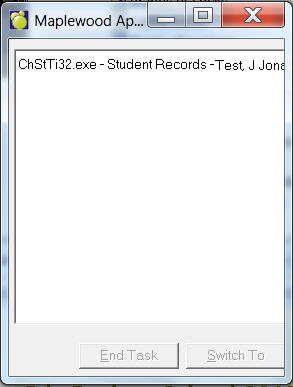
For example, to see the name of the application that governs student records,
Choose select Help, Maplewood Applications.
Next, choose Students, Student Records.
In the Maplewood Application box, the following information should appear:
This feature can run in the background.