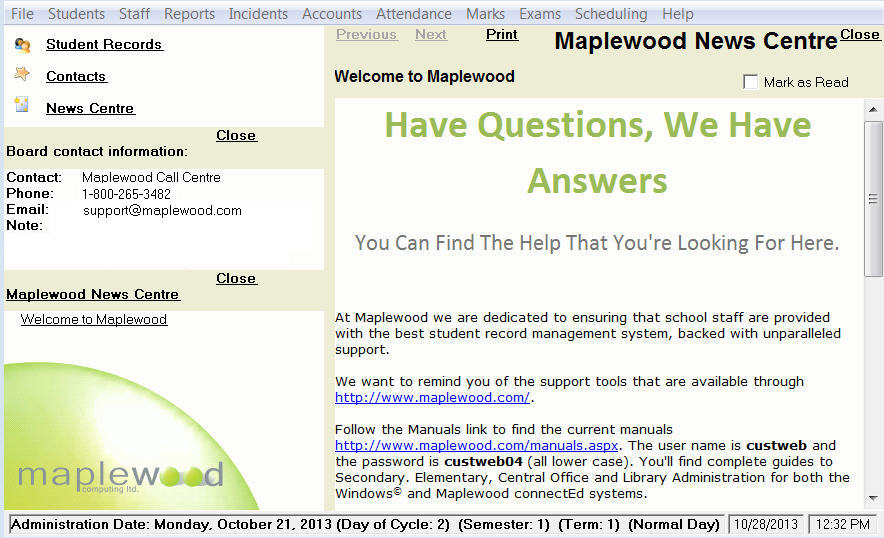
On your main screen, (depending on rights and license purchase), you will see these menus: File, Students, Staff, Reports, Incidents, Accounts, Attendance, Marks, Exams, Library, Scheduling and Help.
The school's Administration Date is displayed in bold at the bottom of the screen. It is possible to change the date by double-clicking the Administration Date that currently appears in the bottom left corner of the main Maplewood screen.
Maplewood News Centre
When you first start Maplewood, you will see Contact and News Centre articles. Move through the articles by using the links. To close the right panel, click Close. If you click Mark as Read, the links in the left frame will turn light gray as an indication.