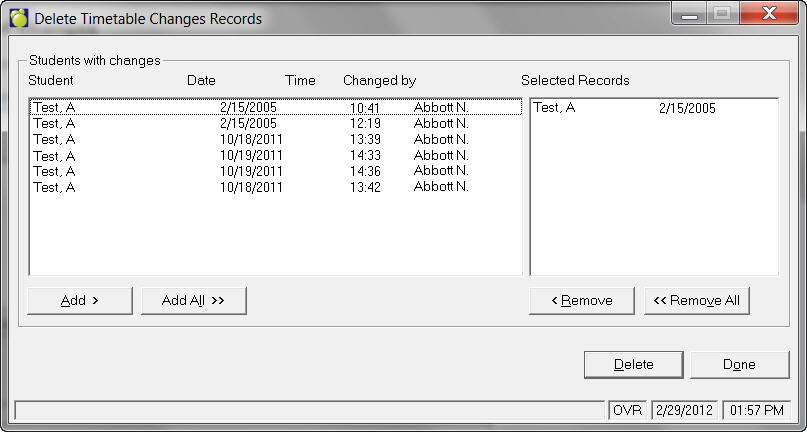
Use this option to delete the record of changes. Choose Students, Print Timetable Changes, Delete Record of Changes.
If you chose to keep the student in the Timetables Changes file (by clicking No), or if there are student's whose timetables you changed, they will show up in the list of this window. It is a good idea to print any of the timetable changes information needed using, Print Timetable Changes and Notifications (see above) before deleting the student from this file.
You can select the records by choose the Add All button or individually using the Add button. You can also remove records if selected by mistake. Click Delete when records have been chosen. You will be asked for deletion verification.