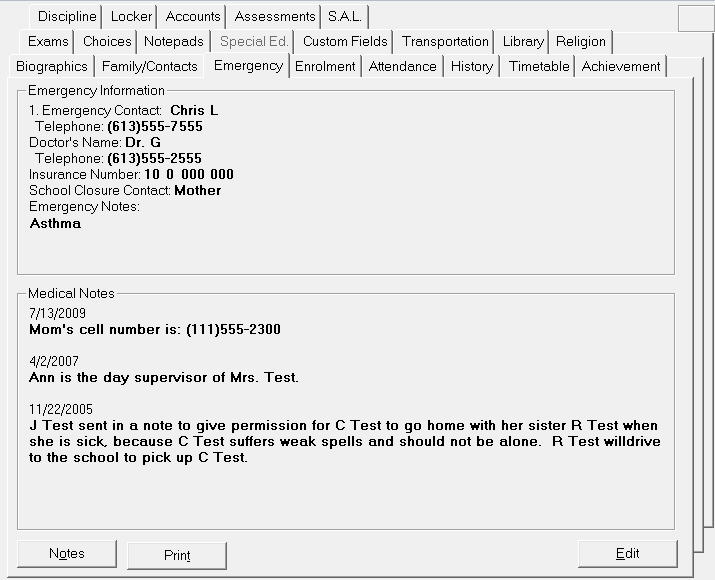
Choose Students, (select student), Emergency tab.
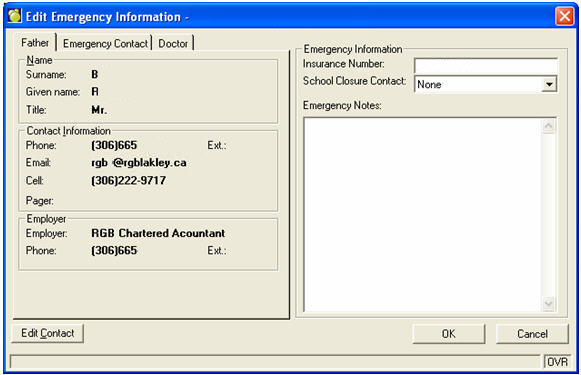
Edit - Click Edit and you can change these areas: Emergency Contact, Contact's Telephone, Doctor's Name, Doctor's Telephone, Insurance Number, School Closure Contact and Emergency Notes.
Notes:
Caribbean users will see UHC (United Healthcare) number in place of the Insurance Number.
Sitter information only appears for students in grade 8 or lower.
Emergency Notes - Click the Notes button to make Emergency Note entries.
In the Student Notes there will be a list (if any are already recorded). Here you can select the note and click Edit to make changes. You can click Add to enter a new note. Select a note and click Delete to remove a note. Use the Spell Check button to check your work before saving.
Note: A Contact can be someone other than a parent or guardian.
The emergency contact order can be seen on the student records emergency tab.
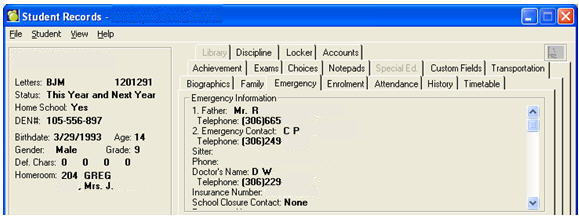
The emergency tab has been changed to shell to the edit parents program when you want to edit the emergency information. The emergency will show the emergency contacts that have the order set and the original Doctor, and Emergency Contact.