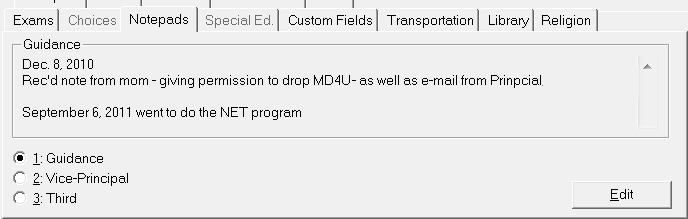
Choose Student Records, (select a student) and click the Notepad tab. There are 3 types of notepads available for the school to set up under Students, Custom Fields/Tables, Notepad Titles. In this example, the school has Principal, Vice-Principal and Guidance set up.
Make a selection and click Edit on the Notepads tab for an editing box. Use the main editing area to enter information. There is a Spell Check available.