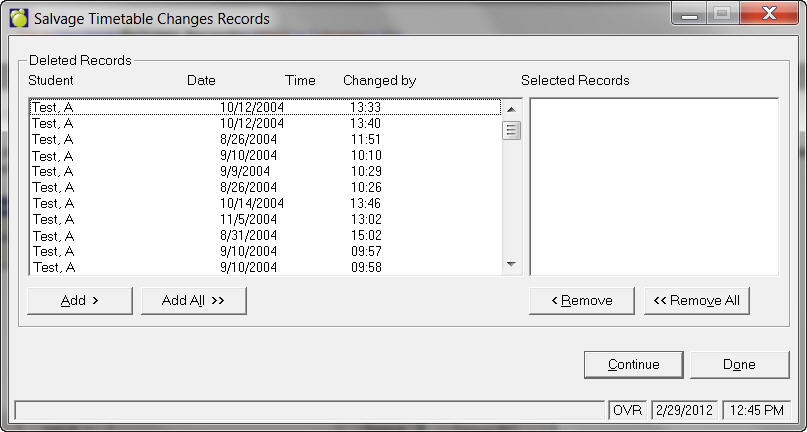
If you have deleted records which should not have been deleted, use this option to salvage them. Choose Students, Print Timetable Changes, Salvage Records. All records that have been deleted using Delete Record of Changes (see above) will show up in this list.
You can salvage them by selecting the records using the Add All button or individually by using the Add button. You can also remove records if selected by mistake.
When you click Continue, the salvaged record will now re-appear in the Delete Record of Changes, and Print Timetable Changes and Notifications windows.