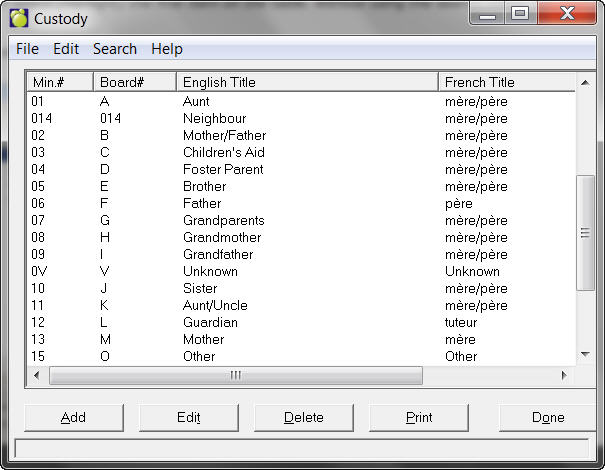
To set up Custody Types, choose Students, Custom Fields/Tables, Custody Types. A box will appear with a list already set up (if any).
Note: When the user opens a table, the program will select (highlight) the first item on the table. Without using the search menu, the user can enter e.g. "5" and the focus will move to the first item starting with "5".
Click Edit or Add to make changes to the list. The numbers from 1-10 are reserved in Maplewood, and cannot be reused. If a new Contact Type is added, the Sort Index must be higher than 11. The existing contacts can no longer be changed to have the same sort index as another item.
Click Print to print a copy of the list.