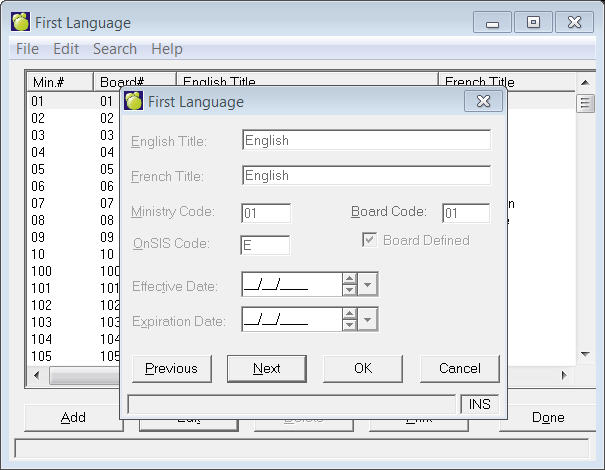
To access Enrolment Table options, choose Students, Custom Fields/ Tables, Enrolment Tables (Prelude users Students, Enrolment Tables). You will see the following additional commands. Enrolment Table options will depend on your jurisdiction.
Note: When the user opens a table, the program will select (highlight) the first item on the table. Without using the search menu, the user can enter e.g. "5" and the focus will move to the first item starting with "5".
When you choose any of these options, a box will appear where you can
Add, Delete, Edit and Print. You can only edit the Board Code
for those defined by the Ministry. As information is entered in the enrolment
area of a student's record, certain enrolment fields present lists of
possible entries for the specific field.
For example, as you are entering a student's First Language, a list of
possible languages is presented on the screen so that you can select from
this list. Some of the possible choices in the enrolment lists are permanent
because they are defined by the Ministry of Student Information System
guidelines. Other possible choices are left blank and are available to
be defined by the school.
Effective and expiration dates options are included on all Enrolment tables.
| Alberta | British Columbia | Manitoba |
|
|
|
| Northwest Territories | Ontario | Saskatchewan |
|
|
|
| Caribbean
Community and Common Market |
||
| Birthdate Verification Nationality Reason for Leaving Language at Home Method Of Entry Non-Residence Fees Source Place Of Birth |