A List Field is used to create a list of possible selections for the student. Under Transportation Mode, there are a number of List Elements (that you have previously set up) to choose from when you are entering student information later on.
To edit a List Field, choose Students, Custom Fields/Tables, List Fields.
Note: When the user opens a table, the program will select (highlight) the first item on the table. Without using the search menu, the user can enter e.g. "S" and the focus will move to the first item starting with "S".
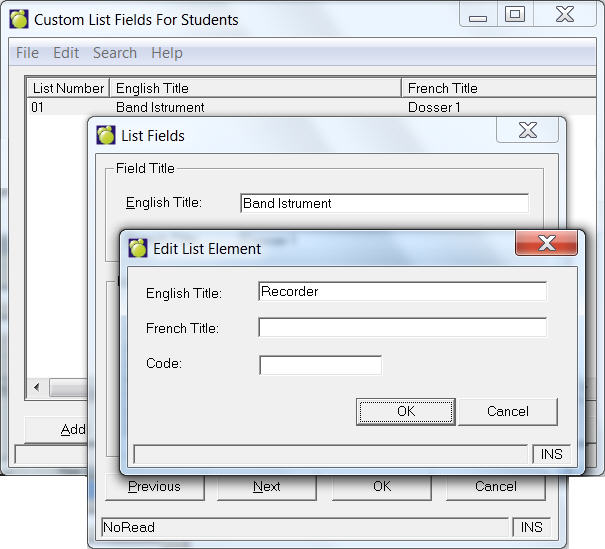
Select a field from the list and click Edit. If you are adding a new List Field, select an empty field and click Edit. To print a copy of the List Fields, click Print. Here is an illustration for setting up a list of band instruments.
Enterprise users
Enterprise customers only will get the ability to create up to 99 list fields for each school (the field starts with (S)), and along with an unlimited number of list fields defined by the central office (the field starts with (B)).