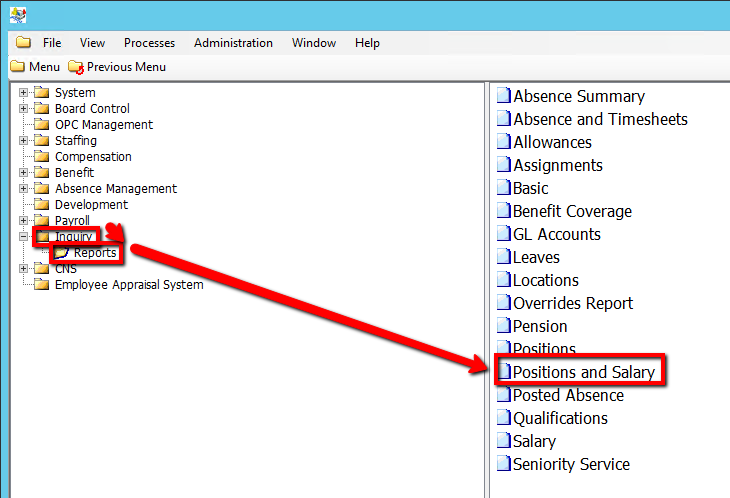
How to Run a Positions and Salary Report
This screen produces the Employee Positions and Salary Report; which contains a list of Employees that match the user’s Selection Criteria.
Use the following steps to Run a Positions and Salary Report:
1. Click on Inquiry
2. Click on Reports
3. Click on Positions and Salary
.png)
4. Enter a Report Parameter such as, Employee Group or Job Code (If applicable)
5. Click on the Submit button to generate the report
.png)