How to Assign Appraisal Type Codes to Employee's & Define the Report to Data
This screen is used to add and modify Appraisal Type Codes to an employee position and to define the Report To Data. It allows for multiple appraisals to be attached to current and future positions. The ‘Report To Data’ defines the manager responsible for completing the appraisal at the employee level. Those employees will be listed on the K212 HRP K212 Portal screen ‘Employee Appraisal Status / List’ available to the principal /manager.
Use the following steps to Modify Employee Appraisal Results:
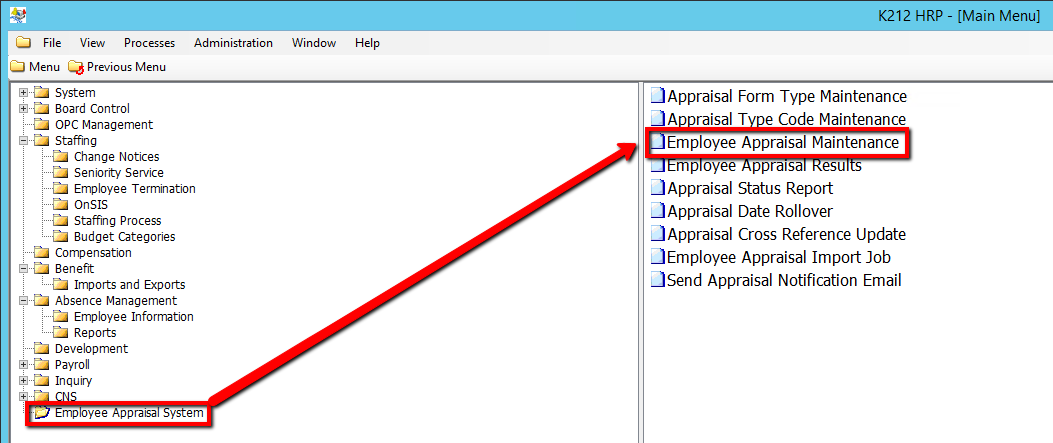
1. Click on Employee Appraisal System.
2. Click on Employee Appraisal Maintenance.
.png)
3. Click the Find button at top of the menu bar to see all current records in the database. OR Enter in a Specific parameter such as Employee ID or Employee Group to narrow your search.

4. If K212 HRP dialog box displays, click Yes to continue.
.png)
5. Select the Employee record you wish to modify in the left hand column.
6. Edit the relevant parameters.
7. Click the Save button to save the edits.
