.png)
How to Run a Board Benefit Rates Report
This process produces the Current Board Benefit Rate report which contains Board Benefit Rate information of all Employee Groups maintained on the system.
Use the following steps to Run a Board Benefit Rates Report:
1. Click on Payroll
2. Click on Reporting Menu
3. Click on Ad Hoc Board
4. Click on Board Benefit Rates Report
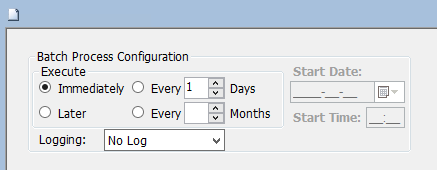
5. Click on the Submit button to generate the report
.png)