How to Run a TPP Frequent Report
This process creates the Frequent OTPPB Transaction file and report. The procedure can be run after each pay or after several pays and will automatically process all the pays since the last time it was run.
Use the following steps to Run a TPP Frequent Report:
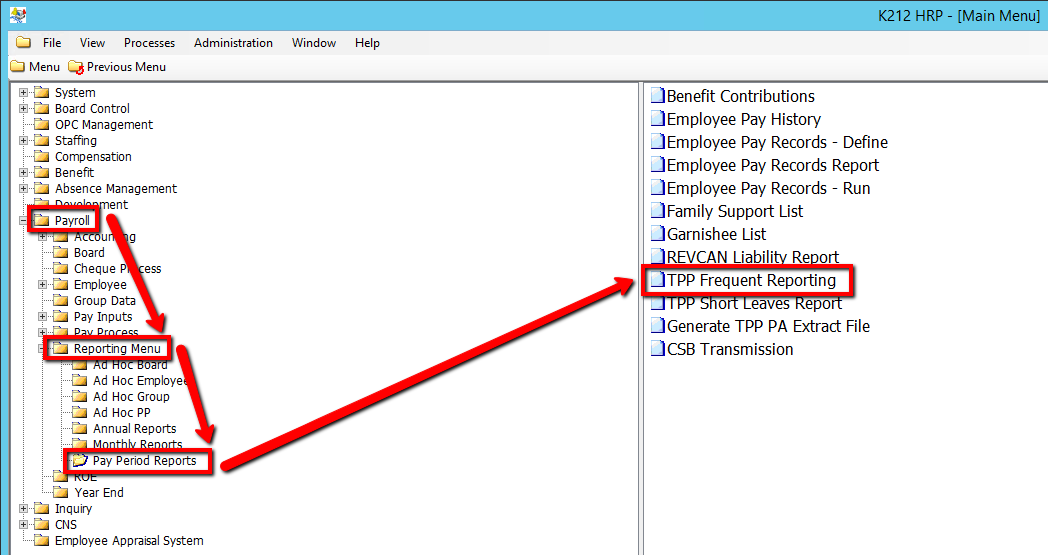
1. Click on Payroll
2. Click on Reporting Menu
3. Click on Pay Period Reports
4. Click on TPP Frequent Report
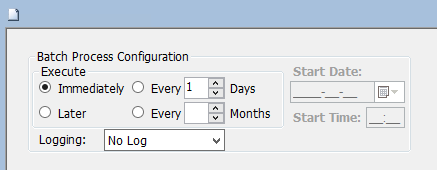
5. Click on the Submit button to generate the report
.png)