.png)
How to Run a Account Details Report
The Generate Account Detail Report function is used to create the Account Detail Report within the Employee accounting tables. This procedure should be run upon successful completion of the pay run.
Use the following steps to Run an Account Details Report:
1. Click on Payroll
2. Click on Accounting
3. Click on Reports
4. Click on Account Detail
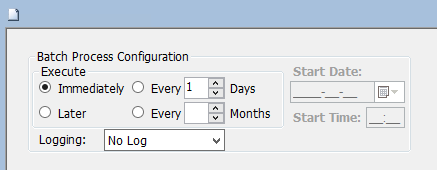
5. Click on the Submit button to generate the report
.png)