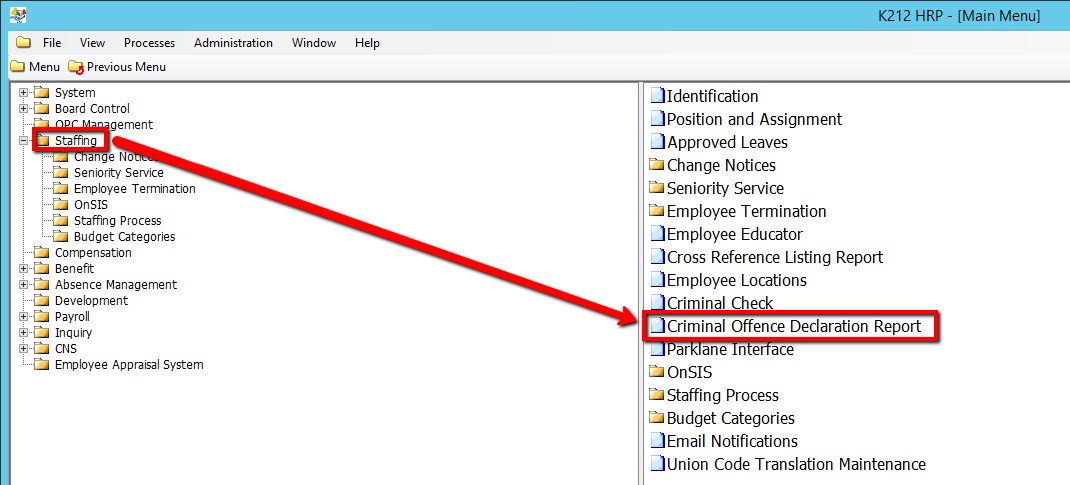
How to Run Criminal Offence Declaration Report
This screen is used to generate the Criminal Offence Declaration Report. This process copies existing data from the K212 Portal and reports all records included in the Declaration Year selected.
Use the following steps to Run an Criminal Offence Declaration Report:
1. Click on Staffing
2. Click on Criminal Offence Declaration Report
.png)
3. Enter the Declaration Year the report will generate for.
4. Click the Submit button at the top of the menu bar to generate the report
