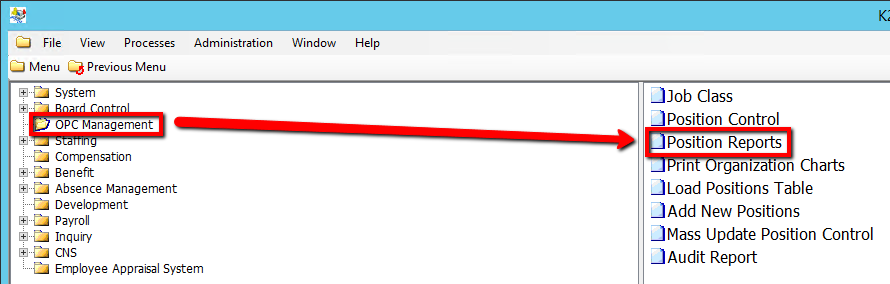
How to Run a Position Vacancy & Position Overfill Report
This screen produces two reports that identify positions where the Actual FTE does not match the Approved FTE:
•Position Vacancy Report (where Position Approved FTE exceeds Actual FTE)
•Position Overfill Report (where Position Approved FTE is less than Actual FTE)
Use the following steps to Run a Position Vacancy & Position Over Fill Report
1. Click on OPC Management
2. Click on Load Positions Table
.png)
3. Enter a Report Date value (Consult the user guides for more information about each field)
4. Click on the Submit button to generate the reports
.png)