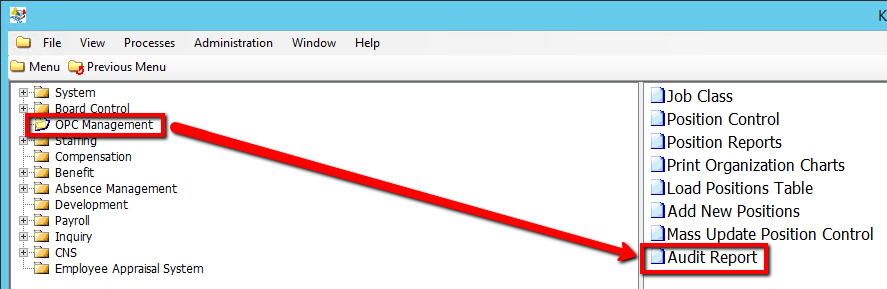
How to Run a OPC Audit Report
This screen is used to produce a report which will identify any discrepancies between OPC records and Employee Position details.
•The report will identify discrepancies in EC_EMPLOYEE_POSITIONS where the following fields don’t match EC_POSITIONS. Positions are matched on Employee Group, Job Code, Location Code and Establishment Code, effective/start and terminate date/end date , GL, absn group code, contract, union code and display associated warning message. If more than one discrepancy exists, the report will display one warning message for each discrepancy per employee position.
Use the following steps to Run a OPC Audit Report
1. Click on OPC Management
2. Click on Audit Report
.png)
3. Enter a Employee Group value (Consult the user guides for more information about each field)
4. Click on the Submit button to generate the report
.png)