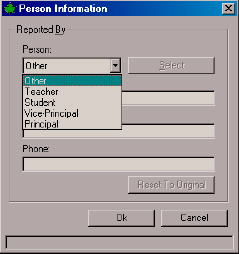
The Reported By details may be entered by clicking the Details button. This will call up the following window, which allows for easy entry. The following selection box will appear where you can enter the surname of the reporting person.
The Teacher, Student, Vice-Principal and Principal persons will use information already entered in Maplewood staff records and Define Person Types for quick entry. To access, simply click the Select button when it is activated.
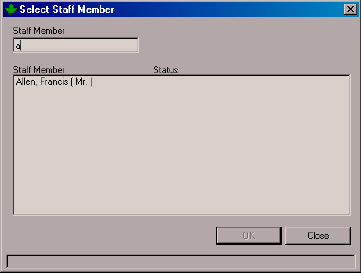
After you have selected the Person, the other fields will automatically be populated based on the contents of the Staff or Student record.
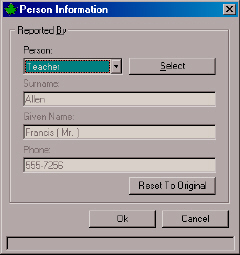
The Reset to Original Button will set the window back to Other, and allow for manual entry. This is of particular value if a parent or volunteer has reported the incident. Press OK to record changes.