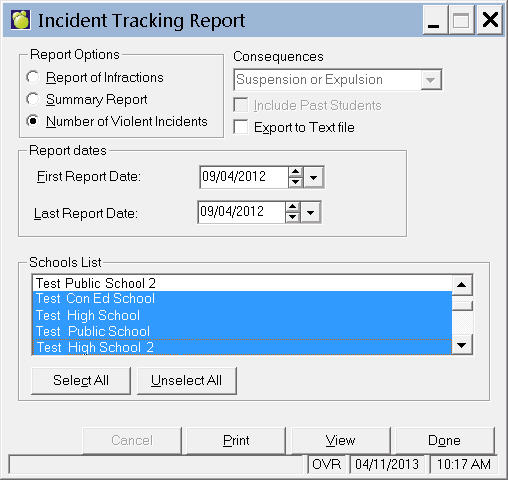
Here you can create reports about infractions, as well as detailed reports of individual infractions, and a report about the number of violent incidents.
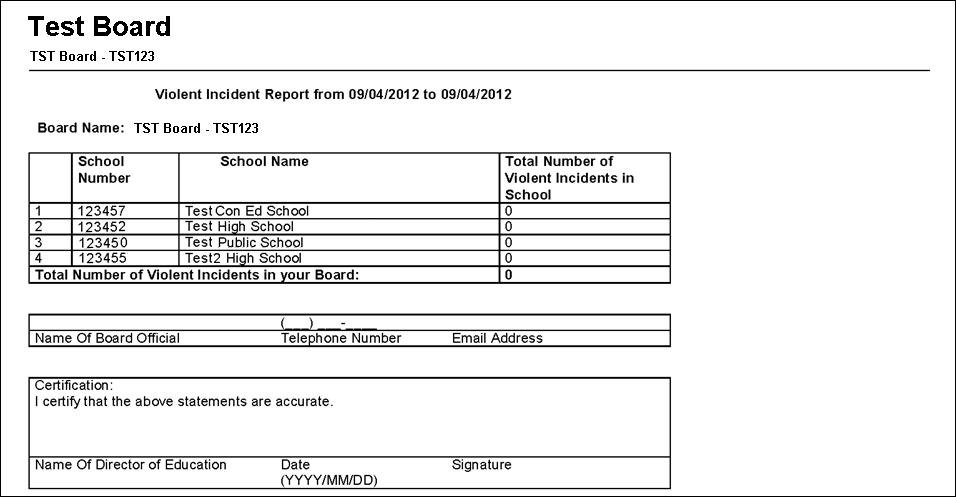
We will use the number of violent incidents report within a date range as an example.Choose Incidents, Incident Reports, School Report.
Please note the report below will end at Total # of Violent Incidents for your Division (if outside Ontario).
2. Select Report of Infractions or Summary Report. You can then choose to send the report to the printer or a text file.
3. Select the First and Last Report Date.
4. Once you have made your printing selection(s) click Print, or you can click View to see the report first.