1. Choose Incidents, Incident Reports, Violent Incident Reports.
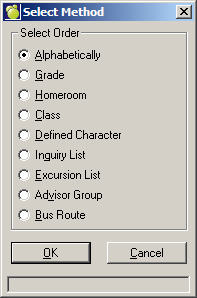
A standard Maplewood Select Print Method Order box will appear.
2. Select an Order and Click OK. On this box you will select the students to print according to the method you initially chose, e.g. Alphabetically.
Make your selection by clicking any or all of the options in the Include Students Registered list:
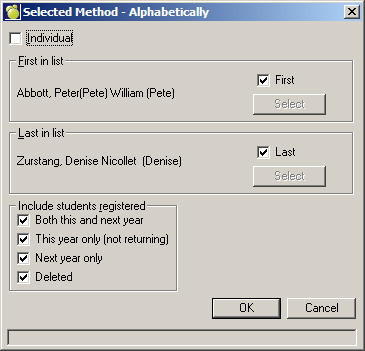
Once you have made your printing selection(s) click OK.
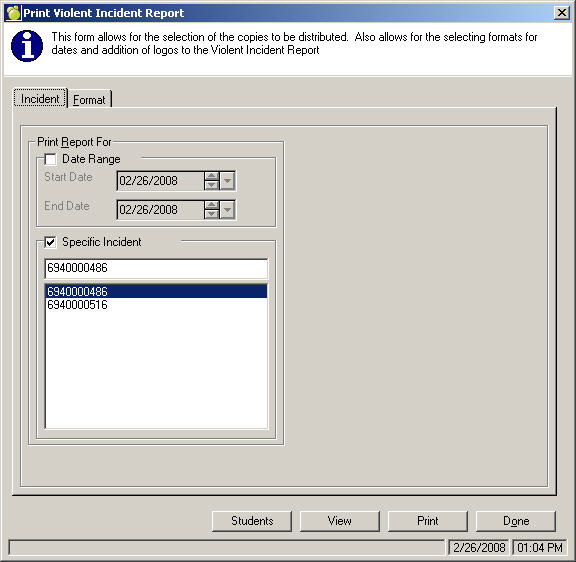
3a. Incident Tab: Click Date Range and select a Start and End date, or select a Specific Incident that you would like to include on the printout.
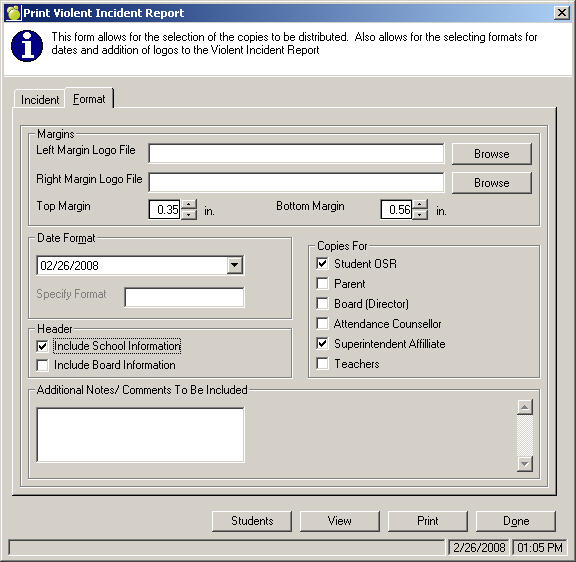
3b. Format Tab: Select the Logo Files, Date Format, Copies For and any Additional Notes/Comments to Be Included in the printout.