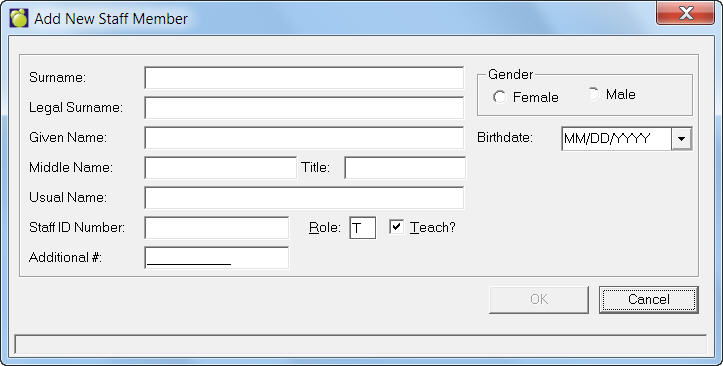
A list of all the staff members in your school is maintained in the Staff Records. The staff list should be augmented with teachers who will be teaching next year for the first time.
For scheduling purposes, the status of new teachers should be Next Year Only if he/she are not going to be teaching in the current year, and the status of any teacher who is not available next year should be changed to Current Only. Click here to see how.
You can print a list of staff members with scheduling status by choosing Staff, Print Staff List.
Enter applicable information and click OK for the next (Employment Record). Select dates and other information from the provided drop-down lists. Then select an Employment Status (if other than the defaulted This Year and Next Year). Click OK to see the newly created Staff Record tab. Click here to see how.
From the newly created Staff Record click Edit on the Biographics tab to enter personal information. At this point you can also edit Staff Custom Fields and Notepads. If you need to make any additional employment changes, click the Edit on the Employment tab to see the Edit Staff Employment editing box again.
When you close the Staff Record box, you will be asked if you want to add another. Click Yes or No.